
ACCOUNTING & TAX
Want to Know a little about Accounting & Tax Services? Let us tell you.
We provide expert accounting and tax services tailored to meet the unique needs of individuals and businesses. Let us handle the numbers so you can focus on what you do best. We are registered at the South African Institute of Professional Accountants and as a SARS Tax Practitioner (PR0098882).
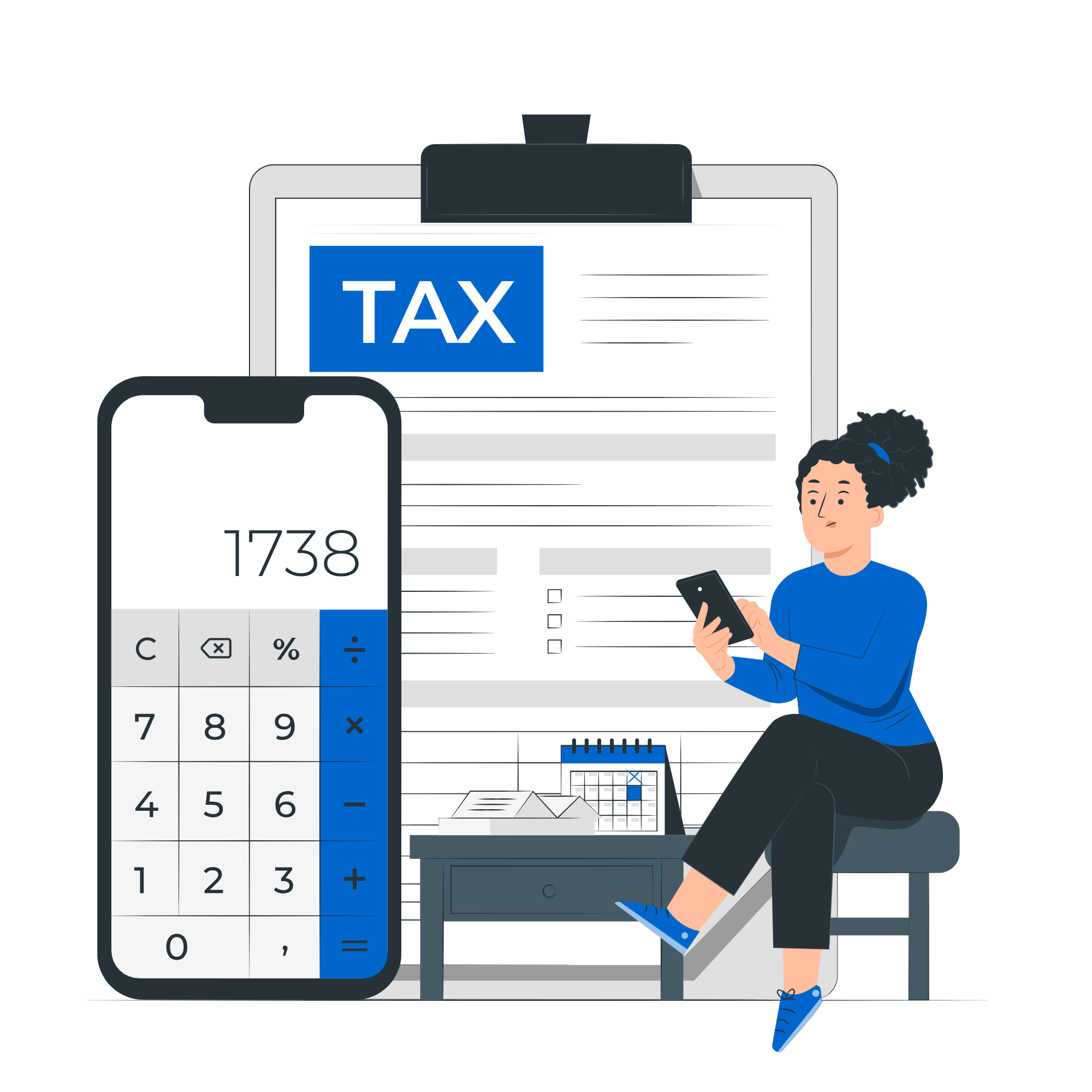
We’re here to help you.
Accounting & Tax shouldn’t be a pain
We offer accounting & payroll services for any type of business which covers your specific requirements. We have experience in trust accounting, insurance accounting, cell captive accounting, property, postal & stationary, travel agency, and more. Our dedicated team ensures accurate bookkeeping, strategic tax planning, and compliance with the latest regulations.
We’re Passionate About Helping Clients Since 2012
Our company has been providing business advisory, accounting, taxation, human resources management and insurance solutions for over a decade, ensuring reliable coverage and client satisfaction.

Business Advisor
We can provide insights to your business through coaching or be a sound board for your business, empowering you with the right information you need to make informed decisions.

Expert Advice
Consulting with an experienced accountant ensures you receive personalised advice and comprehensive insights into your business. Helping to take your business to the next level.

Accounting & Tax Solutions
We offer online accounting & payroll services for any type of business which covers specific requirements. We have experience in attorney’s trust accounting, insurance accounting, insurance cell captive accounting, property, postal & stationary, travel agency, and more. If you have require services that has complex processing transactions, then you have reached the right place.
Some of the services available
Company Registration
Company Secretarial Functions
Compensation Fund (COIDA) Registration
Compilation of Annual Financial Statements IAS
Easyfile Submissions
Full Function Accounting | Bookkeeping
General Ledger Maintenance
Income Tax, Provisional Tax
Monthly Management Accounts
PAYE, UIF, SDL Registrations
Payroll - EMP201 | EMP501 Returns
Tax Clearance Certificates
Tax Directives
Vat Registration & Returns
Why not tell us about what you want us to assist with
Reasons why you should deal with us
Expert Advise
Personalised Service
Call us, we're here
INSURANCE SOLUTIONS
Available Services
We have a wide range of financial services, ensuring that you can elevate your business to the next level. Our team of seasoned professionals possesses in-depth knowledge, so you are in capable hands.

Consulting
Benefit from our expert advice on various financial matters, including budgeting, financial forecasting, and business strategy development.

Deceased Estates
Handling the tax affairs of a deceased estate can be complex and emotionally challenging. At XINIX, we offer specialised deceased estates services to manage these tax obligations with care and expertise. Our team will assist you with filing final tax returns, settling outstanding taxes, and ensuring compliance with all relevant regulations.
Accounting
Payroll

Company Secretarial
Taxation
Navigate the complexities of tax season with ease. Our tax experts provide thorough tax preparation and planning services, maximizing deductions and ensuring compliance.
Browse FAQ Categories
Accounting & Tax
Accounting General
What is information is generally presented in a set of Annual Financial Statements?
Tax General
I forgot my tax number, how do I get it urgently?
You can usually find your tax number on your IRP5 or payslip from your employer. If your tax number is not on those documents or if you are self-employed you can also phone SARS on 0800 00 7277 to check or you can request it online by following these steps:
- Visit the SARS website.
- On the top menu bar, click on “Contact Us”.
- Click on the “Request your Tax number”
- Complete the form and choose “What’s My Tax Number” as the query type
- SARS will send you your tax number, if they were able to verify your credentials.
If you have not registered, then you can do so on eFiling or at a branch.
How to get a tax number in South Africa?
Your employer may have registered you in the past. If this is the case, you would have been issued with a 10-digit tax reference number from SARS and you would have an IT150 Notification of registration that states your reference number.
You can also check your IRP5 or payslip from your employer as your tax reference number may appear there.
If you think you *might* have a tax number but aren’t sure, you can phone SARS at 0800 00 7277 to check.
Or you can request it on the SARS SMS Channel by sending an SMS to SARS on 47277 from your mobile device.
-TRN (Space) ID number/Passport number/ Asylum Seeker number
Or you can request it on the SARS USSD Channel by typing, on your mobile device, a string of characters that comprises of an asterisk (*), followed by a few digits and ending with a hashtag (#) and dialing.
Steps on how to request tax services via the SARS USSD Channel
Step 1: Initiate USSD by dialing *134*7277#
Step 2: Select the service you require
Step 3: Taxpayer Verification – SARS will request you to complete either your, ID/Passport/Asylum Number
Step 4: Tax Resolution – Upon successful verification by SARS, a response will be displayed
Or you can request it online by visiting the SARS website.
On the top menu bar, click on “Contact Us”.
Click on the “Request your Tax number”
Complete the form and choose “What’s My Tax Number” as the query type
SARS will send you your tax number if they were able to verify your credentials.
If you have not registered then you can do so on eFiling or at a branch.
Registering for a tax number via eFiling
Getting a tax number is now as easy as registering on SARS eFiling. Simply register on eFiling and if you do not yet have a personal income tax number, SARS will automatically register you and issue a tax reference number. You are required to have a valid South African ID.
Registering for a tax number at a branch
(please note, book an appointment First before visiting the SARS branches)
There are three options to make an appointment if you are a registered taxpayer:
- Call the SARS Contact Centre on 0800 00 7277 and select option 0 (zero). A SARS official will book the appointment on your behalf.
- Send an SMS to 47277 (iSARS) with this information and format: Booking (Space) ID number/Passport number/ Asylum Seeker number.
- Book an appointment online by clicking here https://tools.sars.gov.za/SARSeBooking
Take the following documents to your nearest SARS branch to register as a taxpayer:
- A certified legible copy of your ID, passport, or driver’s license. Certification of copied documents can be done at your nearest police station (just remember to take the original along too).
- Proof of latest address (this can be a rates bill, utility bill, or phone bill etc, must show where you live – anything that shows your name and your address on an official letterhead) Your bank statement is NOT proof of address!
- 3 months’ latest bank statements, original and stamped by the bank.
SARS should register you on the SARS system and provide you with your new tax number immediately!
You should receive your tax number by post sometime after your in-branch registration in the form of an IT150 / Notification of registration. If you would like to call SARS (0800 00 7277) to find out what the current status of your registration is, remember to have your ID number with you for the call.
What documents do I need to prepare the tax return?
The following information is needed:
- IRP5 employee tax certificate;
- IT3(b) and (c) certificates from financial institutions in respect of interest, dividends and capital gains;
- Retirement annuity fund or pension fund contribution certificate:
- Medical Aid certificate of contributions; and
- Travel logbook (related to travel allowances received)
Further to the above, any additional income received by the taxpayer during the tax period must be declared on the return.
If I’m getting a refund, when does the 72 hours start?
The 72-hour countdown for a refund starts once SARS has completed and assessed your return. You will receive your refund if:
- It’s more than R100,
- Your banking details are correct,
- You have no debt or outstanding returns, and
- No inspection, verification, or audit is needed or has been initiated.
When is filing season for individuals for 2024 tax period?
Income tax return filing dates
The dates for the 2024 Filing Season are:
Auto-assessment notices: 1 July 2024 to 14 July 2024
Individual taxpayers (non-provisional): 15 July 2024 to 21 October 2024
Provisional taxpayers: 15 July 2024 to 20 January 2025
Trusts: 16 September 2024 to 20 January 2025
How does auto-assessment work?
Auto-assessments are available to taxpayers with less complicated tax affairs.
Why have I been charged an administrative penalty?
SARS may impose administrative penalties for non-compliance, such as outstanding returns or failure to disclose information. Failure to comply will result in a recurring monthly admin penalty until you are compliant. These penalties are fixed amounts based on your taxable income and can range from R250 to R16,000 per month for each month of non-compliance.
If I don’t agree with my auto-assessment and what happens if the wrong refund is paid out?
If you have been assessed and an incorrect refund is paid and you have edited the return and:
- the original refund is more than the corrected assessment and you will have to pay SARS back the difference
- the original refund is less than what it should be, SARS will pay you the difference within 72 hours unless the return is marked for verification.
Tax General
I forgot my tax number, how do I get it urgently?
You can usually find your tax number on your IRP5 or payslip from your employer. If your tax number is not on those documents or if you are self-employed you can also phone SARS on 0800 00 7277 to check or you can request it online by following these steps:
- Visit the SARS website.
- On the top menu bar, click on “Contact Us”.
- Click on the “Request your Tax number”
- Complete the form and choose “What’s My Tax Number” as the query type
- SARS will send you your tax number, if they were able to verify your credentials.
If you have not registered, then you can do so on eFiling or at a branch.
How to get a tax number in South Africa?
Your employer may have registered you in the past. If this is the case, you would have been issued with a 10-digit tax reference number from SARS and you would have an IT150 Notification of registration that states your reference number.
You can also check your IRP5 or payslip from your employer as your tax reference number may appear there.
If you think you *might* have a tax number but aren’t sure, you can phone SARS at 0800 00 7277 to check.
Or you can request it on the SARS SMS Channel by sending an SMS to SARS on 47277 from your mobile device.
-TRN (Space) ID number/Passport number/ Asylum Seeker number
Or you can request it on the SARS USSD Channel by typing, on your mobile device, a string of characters that comprises of an asterisk (*), followed by a few digits and ending with a hashtag (#) and dialing.
Steps on how to request tax services via the SARS USSD Channel
Step 1: Initiate USSD by dialing *134*7277#
Step 2: Select the service you require
Step 3: Taxpayer Verification – SARS will request you to complete either your, ID/Passport/Asylum Number
Step 4: Tax Resolution – Upon successful verification by SARS, a response will be displayed
Or you can request it online by visiting the SARS website.
On the top menu bar, click on “Contact Us”.
Click on the “Request your Tax number”
Complete the form and choose “What’s My Tax Number” as the query type
SARS will send you your tax number if they were able to verify your credentials.
If you have not registered then you can do so on eFiling or at a branch.
Registering for a tax number via eFiling
Getting a tax number is now as easy as registering on SARS eFiling. Simply register on eFiling and if you do not yet have a personal income tax number, SARS will automatically register you and issue a tax reference number. You are required to have a valid South African ID.
Registering for a tax number at a branch
(please note, book an appointment First before visiting the SARS branches)
There are three options to make an appointment if you are a registered taxpayer:
- Call the SARS Contact Centre on 0800 00 7277 and select option 0 (zero). A SARS official will book the appointment on your behalf.
- Send an SMS to 47277 (iSARS) with this information and format: Booking (Space) ID number/Passport number/ Asylum Seeker number.
- Book an appointment online by clicking here https://tools.sars.gov.za/SARSeBooking
Take the following documents to your nearest SARS branch to register as a taxpayer:
- A certified legible copy of your ID, passport, or driver’s license. Certification of copied documents can be done at your nearest police station (just remember to take the original along too).
- Proof of latest address (this can be a rates bill, utility bill, or phone bill etc, must show where you live – anything that shows your name and your address on an official letterhead) Your bank statement is NOT proof of address!
- 3 months’ latest bank statements, original and stamped by the bank.
SARS should register you on the SARS system and provide you with your new tax number immediately!
You should receive your tax number by post sometime after your in-branch registration in the form of an IT150 / Notification of registration. If you would like to call SARS (0800 00 7277) to find out what the current status of your registration is, remember to have your ID number with you for the call.
What documents do I need to prepare the tax return?
The following information is needed:
- IRP5 employee tax certificate;
- IT3(b) and (c) certificates from financial institutions in respect of interest, dividends and capital gains;
- Retirement annuity fund or pension fund contribution certificate:
- Medical Aid certificate of contributions; and
- Travel logbook (related to travel allowances received)
Further to the above, any additional income received by the taxpayer during the tax period must be declared on the return.
If I’m getting a refund, when does the 72 hours start?
The 72-hour countdown for a refund starts once SARS has completed and assessed your return. You will receive your refund if:
- It’s more than R100,
- Your banking details are correct,
- You have no debt or outstanding returns, and
- No inspection, verification, or audit is needed or has been initiated.
When is filing season for individuals for 2024 tax period?
Income tax return filing dates
The dates for the 2024 Filing Season are:
Auto-assessment notices: 1 July 2024 to 14 July 2024
Individual taxpayers (non-provisional): 15 July 2024 to 21 October 2024
Provisional taxpayers: 15 July 2024 to 20 January 2025
Trusts: 16 September 2024 to 20 January 2025
How does auto-assessment work?
Auto-assessments are available to taxpayers with less complicated tax affairs.
Why have I been charged an administrative penalty?
SARS may impose administrative penalties for non-compliance, such as outstanding returns or failure to disclose information. Failure to comply will result in a recurring monthly admin penalty until you are compliant. These penalties are fixed amounts based on your taxable income and can range from R250 to R16,000 per month for each month of non-compliance.
If I don’t agree with my auto-assessment and what happens if the wrong refund is paid out?
If you have been assessed and an incorrect refund is paid and you have edited the return and:
- the original refund is more than the corrected assessment and you will have to pay SARS back the difference
- the original refund is less than what it should be, SARS will pay you the difference within 72 hours unless the return is marked for verification.